GoHighLevel Funnel A/B Testing: A Practical Setup Guide
Set up GoHighLevel split tests, compare funnel variations fairly, check CRM lead quality, and avoid common A/B testing mistakes.
Muhammad Asif Khokhar·Founder & CEO, One Scale System·Published ·7 min read
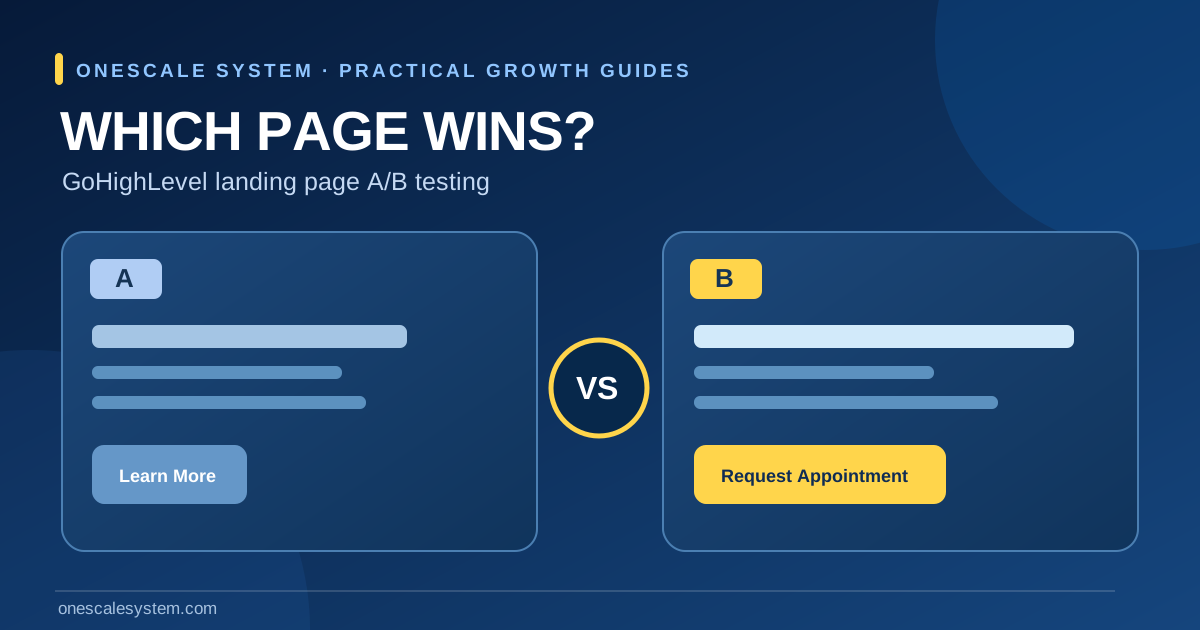
You are paying for clicks on a landing page, but the form submissions are disappointing. A colleague suggests changing the headline; another wants a shorter form; a third proposes a complete redesign. Without a test, each change risks turning someone's opinion into a decision. GoHighLevel funnel A/B testing gives you a controlled way to compare two versions of the same step and examine how visitors respond.
This guide covers setup, hypotheses, tracking and decision-making for U.S. small businesses and agencies. The running example is a heating-and-cooling contractor promoting an AC inspection offer. The principle is equally useful for roofers, cleaning companies, consultants and other service businesses.
A split test can compare page versions; it cannot prove that a click became a profitable customer unless the CRM and reporting also record what happened after the form.
What an A/B test actually compares
An A/B test sends a portion of eligible visitors to a control page and another portion to a variation. The pages share the same business purpose but differ in one planned way, such as the first-screen offer or the length of a form. HighLevel's official split-testing guide describes creating a variation and assigning traffic between versions.
Know your conversion before choosing the winner
The simplest conversion is a successfully completed form or funnel action. But an HVAC owner ultimately cares whether the request was within the service area, whether the team reached the homeowner, and whether an appointment was confirmed. Decide which event is the page-level metric and which downstream outcomes will be checked in the CRM. A design that doubles irrelevant submissions may create more office work without improving results.
Measure
Meaning
Can it establish a booked job?
Page conversion
Visitor completes the defined funnel action
No
Qualified request
Team verifies service and geographic fit
Not by itself
Booked appointment
Customer and staff confirm the appointment
Usually yes for an appointment, not a completed job
Completed paid work
Business records a finished sale
This is a business outcome
Prepare a reliable HighLevel funnel test
1. Verify the domain and intended funnel step
HighLevel states that a domain needs to be connected before funnel split testing is available. In the correct business location, open Sites → Funnels or Websites, choose the intended funnel, and check the page step to test. Confirm the public URL resolves on mobile, the consent language is visible, and any tracking scripts are approved for the site.
2. Test the entire lead path before dividing traffic
Submit the current form with a controlled test contact.
Check that the thank-you state is accurate; a successful form is not an accepted service appointment.
Confirm the record appears in the correct CRM location, pipeline or inbox.
Verify the assigned person can see the enquiry and the original lead source where captured.
Check that analytics record the intended event once, not repeatedly during reloads.
If the contact form appears successful but the business never receives the request, fix that first using the website form troubleshooting guide. A split test of broken routing only compares two broken user journeys.
3. Write a specific hypothesis
Avoid vague goals such as “make the page look modern.” Instead write: “For mobile visitors requesting AC inspections, a CTA that says ‘Request an inspection time’ will produce more valid requests than ‘Learn more,’ because it states the next action clearly.” The hypothesis identifies the audience, change, metric and rationale. It can be disproved; that is what makes it useful.
A useful funnel experiment changes a clear hypothesis and checks downstream lead quality.
Set up the A/B test in GoHighLevel
Create the variation
Navigate to Sites → Funnels (or Websites) in the appropriate HighLevel location.
Open the relevant page step and select Create Variation.
Use the available option to duplicate or build a version, according to the current editor.
Change only the elements needed to test the stated hypothesis.
Check the page title, visible offer, form target, mobile layout, and confirmation behavior on both versions.
Editor options can change across account configurations. HighLevel's documentation illustrates traffic distribution with a slider between the control and variation; do not assume every workspace has identical labels. Save the change, preview it, and retest its form before allocating real ad traffic.
Split traffic and leave the control stable
An even distribution is an understandable starting choice when both pages are safe and the test objective is comparison. Another allocation may be appropriate where traffic or risk constraints exist. Record the intended allocation, the launch date and major external changes. HighLevel explicitly advises against editing the control while a test runs, because moving the baseline makes interpretation harder.
Keep the customer experience consistent
A variation should never promise a lower price, a service radius, or a same-day appointment that the business cannot provide. For the HVAC example, both pages must reflect the same available inspection service and correct service area. The copy may change, but facts about eligibility and scheduling must remain true.
Five worthwhile landing-page experiments
Test the first-screen headline
Compare a generic statement (“Trusted HVAC Specialists”) with a service-specific headline (“Request a Home AC Inspection”). Use truthful language and keep the offer, price terms and location eligibility consistent. The test asks whether clarity helps more visitors understand the next step.
Test CTA wording and placement
Compare “Contact Us” with “Request an Inspection Call” when that really is the action. Confirm the button remains visible and usable on a narrow phone screen. An apparent rise in clicks is not enough if the ensuing form fails.
Test shorter versus more informative forms
A shorter form may increase submissions but can omit information an estimator needs to act. For a roofing quote request, compare a basic name/contact form with one adding a service type field. Track the proportion of requests that can be qualified, not simply the raw count.
Test evidence near the decision point
Try a verified customer quote, an authorized project photograph, or a precise service-coverage explanation adjacent to the form. Do not fabricate review counts, awards, licenses, or before-and-after results. Include only claims the business can substantiate.
Test mobile information order
For urgent service enquiries, compare whether visitors see service coverage and the call CTA before a large decorative image. Check layout stability, thumb-size controls, image load behavior and keyboard access on both versions. A page that looks attractive in a desktop screenshot may still hide the action on a phone.
How to read the experiment without fooling yourself
Use counts and context, not only percentages
Imagine two variations receive 200 eligible visits each. Version A records 12 submissions and version B records 16. The observed form conversion rates are 6% and 8%, but this small illustration does not demonstrate that B is reliably better or that it brings more paying customers. Traffic mix, random variation, tracking gaps and lead quality all matter.
Variation
Eligible visits (illustrative)
Valid forms
Observed form conversion
A
200
12
6%
B
200
16
8%
The numbers above are hypothetical, not OneScale customer results or a recommended statistical threshold. Look at the size of the difference, sample sizes, date ranges, and the risk of chance. If you need formal inference, decide on the statistical method and stopping rules before the test begins. Avoid repeatedly checking until the first appealing result appears.
Check the downstream CRM outcomes
Compare the rate of service-area-fit requests, contactable people and confirmed appointments by variant where the tracking design permits. Be careful if visitors return across devices or the CRM replaces original lead attribution. If the business cannot reliably tie a contact back to a variant, say that downstream attribution is inconclusive. The landing-page conversion checklist provides a practical review of friction beyond the experiment itself.
Account for operational and seasonal changes
A promotion that starts halfway through a test, a holiday, severe weather or an office that stops answering calls can shift outcomes independently of the page. Record meaningful changes in marketing spend, targeting, inventory and staffing. Do not compare different date windows as if they were randomly allocated visitors.
Launch the winning version carefully
If the evidence supports a winner, document the hypothesis, dates, allocation, counts, limitations and downstream quality checks. Keep screenshots or exports of the test configuration, then set the selected page live using the account's supported method. Verify the live URL, form routing, analytics, responsive layout and automated acknowledgement one more time. If results are unclear, keep the current safe page rather than claiming an unearned victory.
Does HighLevel require a domain for split testing?
According to its current support documentation, yes: connect a domain to the funnel before attempting the split test. Confirm the specific environment and steps in your account.
Can I change several things in one variation?
You can create a visibly different version, but the result then describes the combined design, not which individual edit caused the change. Use a focused hypothesis when you need an interpretable answer.
How many visitors do I need before choosing a winner?
There is no universal number for every page. It depends on baseline conversion, the effect worth detecting, your chosen confidence and power targets, and how traffic is allocated. Set your decision rule before starting; do not borrow an arbitrary number from a screenshot.
Get a funnel review before spending more on traffic
OneScale System helps service businesses connect landing pages, forms, CRM records and follow-up. If your funnel test would currently measure unreliable submissions, start with a conversion and attribution audit rather than an expensive redesign. Explore our GoHighLevel funnel and automation services or read the GoHighLevel setup guide before reviewing your lead journey.

 Muhammad Asif Khokhar·Founder & CEO, One Scale System·Published ·7 min read