Local Business Schema Markup: Setup and SEO Checklist
Implement accurate LocalBusiness JSON-LD, validate it with Google, and avoid misleading addresses or review markup for local service businesses.
Ahsan Zaif·GoHighLevel Expert, WordPress Developer & Digital Automation Specialist·Published ·8 min read
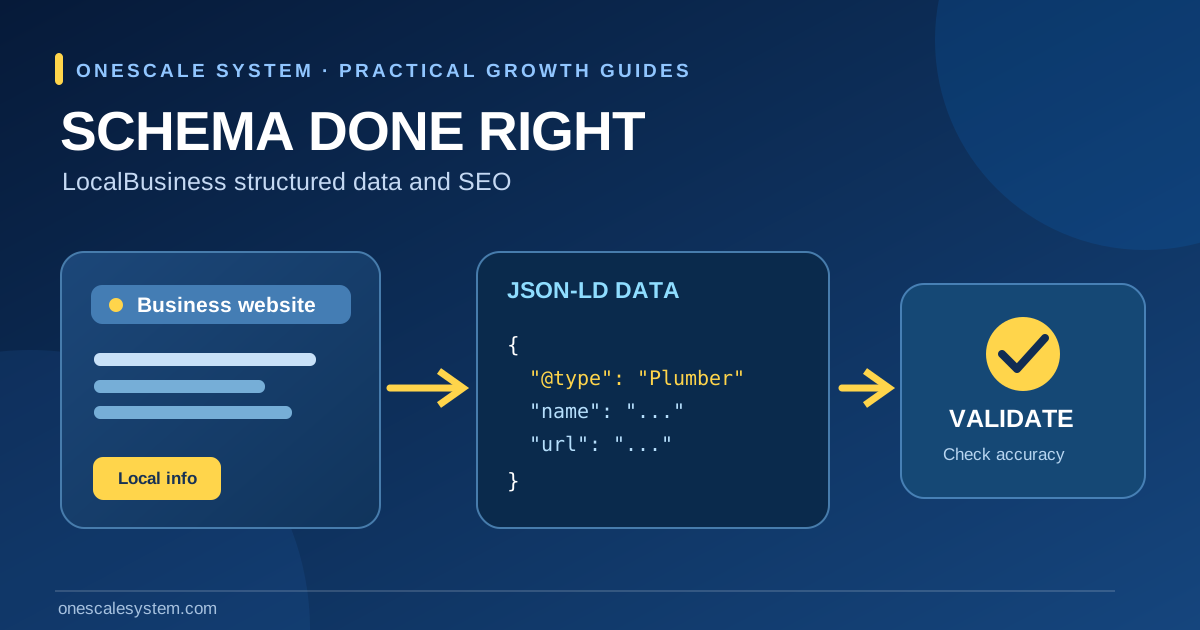
A local business website might clearly say where a company operates and when it answers the phone, but its structured data can still be missing, outdated or contradictory. LocalBusiness schema markup provides a machine-readable description of a business entity using properties such as name, location, URL and opening hours. It helps search systems understand the information already published on a site; it is not a shortcut to a guaranteed ranking or star rating.
This guide explains when LocalBusiness JSON-LD is appropriate, what Google expects, how to install and validate it, and what service-area businesses should do when a residential address must remain private. It is designed for U.S. contractors, storefront businesses, WordPress site owners and agencies responsible for accurate local SEO.
Critical distinction: valid JSON-LD is not automatically eligible LocalBusiness rich-result markup. Google's LocalBusiness documentation lists a business name and physical PostalAddress as required properties for that feature. Do not invent or publish an address simply to satisfy a validator.
What is LocalBusiness structured data?
Structured data is a set of descriptive fields embedded in a page, often as a JSON-LD script. A LocalBusiness entity tells crawlers about a specific business and, when appropriate, its physical location. Google's LocalBusiness documentation describes supported types, properties, examples and the steps to test the markup.
Schema markup versus Google Business Profile
A Google Business Profile is a separately managed listing that can appear in Maps and Search. LocalBusiness schema describes information on your website. Publishing schema does not create, verify, or repair your Business Profile. The site and profile should both represent the real business accurately, but neither channel replaces the other. If your existing listing is underperforming, see Google Business Profile ranking checks.
Can schema guarantee richer results or better rankings?
No. Google explicitly states that structured data enables eligibility for certain appearances, not a guarantee that the feature will display. A page can be valid and still lack a rich result because Google considers page quality, content relevance and other requirements. Treat schema as a clarity and eligibility task, not as a promise of a map-pack position.
Decide which entity type accurately represents the business
A business with an eligible customer-facing location
Use the most specific valid LocalBusiness subtype when it accurately describes the establishment, such as Plumber for a plumbing company. Mark up a real physical location with its corresponding contact details and hours. Google's guidelines require an address in PostalAddress format for the LocalBusiness rich-result feature and recommend properties such as URL and telephone. Only include hours that match the actual schedule.
A pure service-area business without a public storefront
Many plumbers, cleaning companies and roofers visit customers instead of serving visitors at an office. Google Business Profile guidance tells such businesses to hide residential or non-customer-facing addresses from their public profile. That privacy expectation matters when creating publicly downloadable JSON-LD too. If there is no address appropriate for publication, do not place a guessed office, rented mailbox or private home address into markup. A truthful Organization entity with real public details may be safer than inventing a LocalBusiness address merely to pass a test. Consult Google's Organization documentation for organization-level properties.
Multi-location businesses
For a company with two legitimate staffed locations, give each location its own accurate business data and URL where the site has a corresponding location page. Do not duplicate a single office address across invented city locations. Google supports defining each location as its own LocalBusiness entity; the content on each page should describe that specific location.
Accurate visible business facts should match the structured data a crawler receives.
Which fields belong in your markup?
Property
Use
Important check
name
Real business name
Do not add keyword-stuffed names
address
Physical PostalAddress for eligible locations
Never invent an address or expose one that should remain private
url
Canonical business or location page URL
Use a live URL representing the location
telephone
Primary customer-facing phone number
Use a valid business number with country code
openingHoursSpecification
Actual hours open or available for the location
Account for holidays and seasonal changes
geo
Real coordinates, if appropriate
Verify the location and precision
Keep the information consistent with the public page. If the website says Monday to Friday, but the JSON-LD claims Sunday appointments, the markup is not a reliable description. If a business's address changes, update the page, its structured data, and applicable listings through the proper channels.
A working JSON-LD example for a fictional location
The following is a deliberately fictional example for explaining the format. The business name, address, telephone and domain are not a real client, and should never be copied unchanged into a production site. This example is only suited to an eligible business that publicly operates from a real address; a service-area-only operator must review the privacy and eligibility notes above.
Replace the fictional name with the actual registered or trading name shown on the website.
Use a real, appropriate public location address only where the business serves customers there.
Choose a supported business subtype that genuinely describes the operation.
Replace example.com with the correct canonical HTTPS URL for that location.
Replace the example telephone and hours with the company's verified details.
Make sure the visible page presents the same information before publishing JSON-LD.
JSON-LD is normally placed in a script of type application/ld+json inside the document's head or body. It is data, not a visible HTML address block. That does not make it private: anyone can inspect the page source. Do not confuse 'not visibly rendered' with 'not published.'
Add the markup without creating duplicates
WordPress implementation
First inspect the source of the homepage and location page to see whether an SEO plugin or theme already emits Organization or LocalBusiness JSON-LD. If it does, update that existing graph or configuration instead of adding conflicting copies through another plugin or code snippet. Use a staging environment where possible, and confirm the output after caches are cleared.
Custom React, Webflow or static sites
Add JSON-LD through the site's supported SEO or head-management component, using real business data from a single source of truth. For server-rendered or prerendered sites, inspect the final HTML sent to crawlers rather than relying only on the editor preview. Confirm that the page's canonical URL and structured-data URL refer to the intended business page.
Avoid sitewide location confusion
A single company-level Organization entry may belong on a global homepage, while a genuine location-specific LocalBusiness entry belongs on its location page. Repeating conflicting addresses across every blog post creates ambiguity. A local-business article that happens to mention Dallas does not make the publisher a Dallas location.
Validate the markup in two passes
Pass 1: test syntax and Google feature eligibility
Open Google's Rich Results Test and enter the relevant public URL or code.
Inspect detected LocalBusiness items and any required-property errors.
Correct malformed JSON, wrong types, inaccurate names and missing fields.
Use the Schema.org validator as a complementary vocabulary check, not as a promise of Google eligibility.
Recheck the final deployed page after making changes.
A structured-data testing tool cannot confirm whether a company genuinely operates at an address. Google notes that technical tests may not catch misleading or irrelevant markup. Pair automated validation with a human review of business records and page content.
Pass 2: inspect the published page in Search Console
After deployment, use Google Search Console URL Inspection to check the indexed or live page, crawl accessibility and relevant page information. Ensure the URL is not blocked by robots.txt or a noindex directive. Submit an updated sitemap when appropriate; crawling and indexing are not immediate. Google's general structured-data guidelines also explain why valid markup does not guarantee rich results.
Common LocalBusiness schema mistakes
Publishing an address the business does not publicly use
A virtual office, mail drop or somebody's home may not qualify as the storefront described by the markup. Do not publish false locations. For service-area businesses without a storefront, follow the official Business Profile service-area rules and review whether Organization markup better fits the publicly available facts.
Inventing review stars
Google's review-snippet rules exclude self-serving star snippets for LocalBusiness or Organization pages controlled by the reviewed business, including embedded third-party review widgets. Do not add aggregateRating to create stars that are ineligible, misleading, or unsupported. Legitimate testimonials can still be presented visibly where appropriate, without deceptive structured-data claims.
Keyword-stuffing the business name
Business names are factual fields, not a list of target keywords. A plumber called “Smith Plumbing” should not become “Smith Plumbing Best Emergency Drain Cleaning NYC Near Me” in JSON-LD. Write useful service copy on the page; keep business identity properties accurate.
Adding schema to an irrelevant page
Only mark up the entity relevant to that page. A blog post about local SEO should have its own appropriate article metadata and should not pretend to be the physical branch of every business used as an example.
Technical SEO handoff checklist
Identify the real business entity and public pages that describe it.
Determine whether a customer-facing physical location exists and may be publicly shown.
Choose LocalBusiness or Organization semantics based on truthful facts; avoid forced eligibility.
Confirm official business name, URL, telephone, address if appropriate, and hours.
Check for existing schema output from themes, plugins or components.
Validate JSON-LD syntax and Google-specific supported properties.
Inspect page source, canonical URL and crawl access.
Record test results and revisit the markup when operating details change.
Will adding LocalBusiness schema put me in Google Maps?
No. Google Maps and Business Profile presence depend on separate eligibility, verification and ranking systems. Schema describes your website; it does not automatically create or verify a listing.
Is an address always required for LocalBusiness rich-result eligibility?
Google's current documentation lists the name and PostalAddress fields as required for its LocalBusiness feature. If you cannot publish an appropriate real address, do not manufacture one. Consider truthful Organization markup and the overall site experience instead.
Do I need a separate schema block on every page?
Not necessarily. Give each page appropriate metadata about what it actually represents. Consistent organization data can be reused when relevant, while a location's specific facts should appear on the corresponding location page.
Request an accurate structured-data audit
OneScale System can inspect the business information your website already publishes, check duplicate JSON-LD, review Search Console findings and prepare an implementation plan suited to your business model. Explore the local SEO services or book a strategy call. We will not promise stars, rankings or rich-result appearances that Google does not guarantee.

 Ahsan Zaif·GoHighLevel Expert, WordPress Developer & Digital Automation Specialist·Published ·8 min read